Choose your provider and model
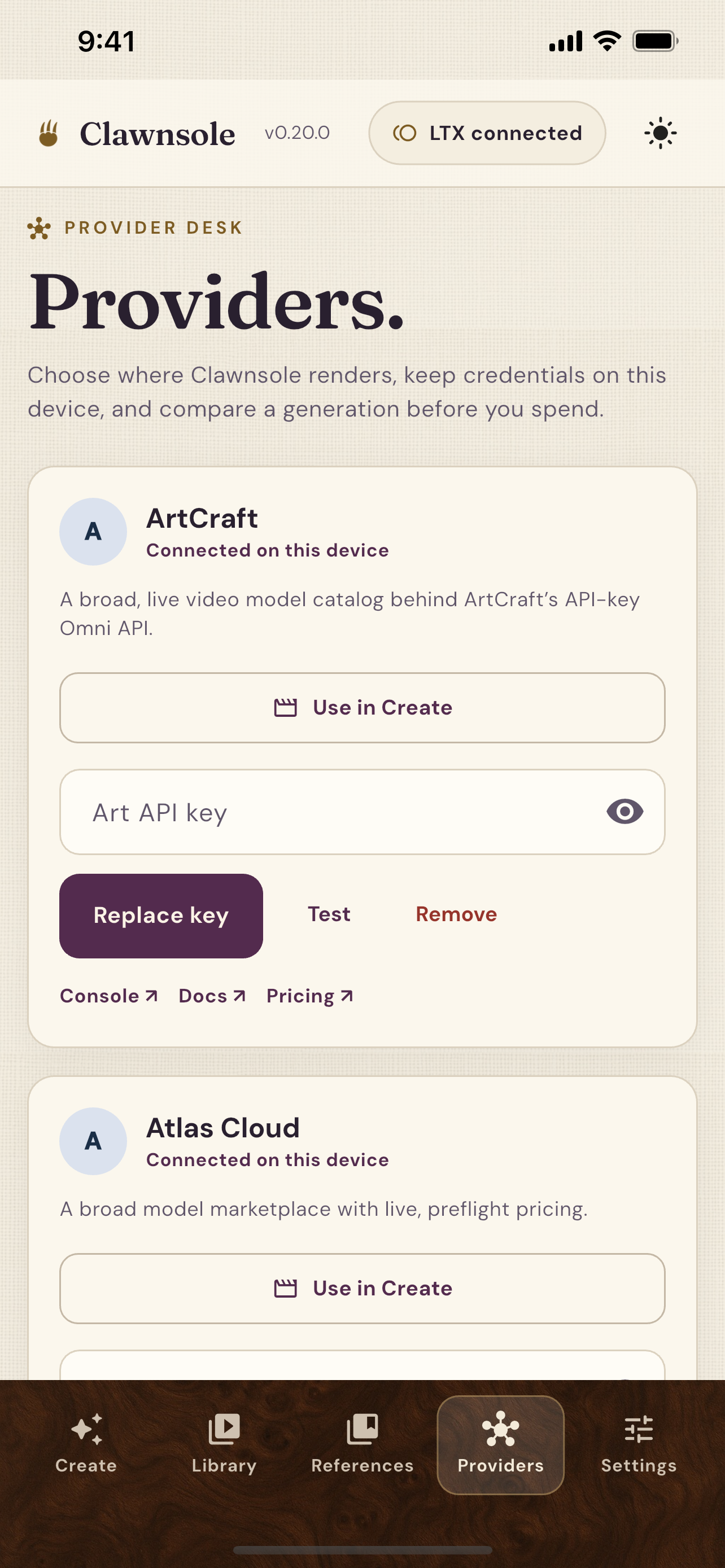
Move between supported providers with your own API keys. Generate from text, images, or existing clips, with controls that adapt to the model you choose.
 Clawnsole
Clawnsole · AI video across providers
Generate across AI providers and models in one workspace. Keep your generations and references together, with optional Google Drive sync across your devices.
Bring your own keys for Black Forest Labs, LTX, ArtCraft, Atlas Cloud, Runway, or Krea. Choose from supported models including FLUX 3, Seedance, Veo, and Kling without starting a new library every time you switch.
Latest stable release · macOS: Apple silicon, signed and notarized · Windows: x64, unsigned
From the script to the saved shot
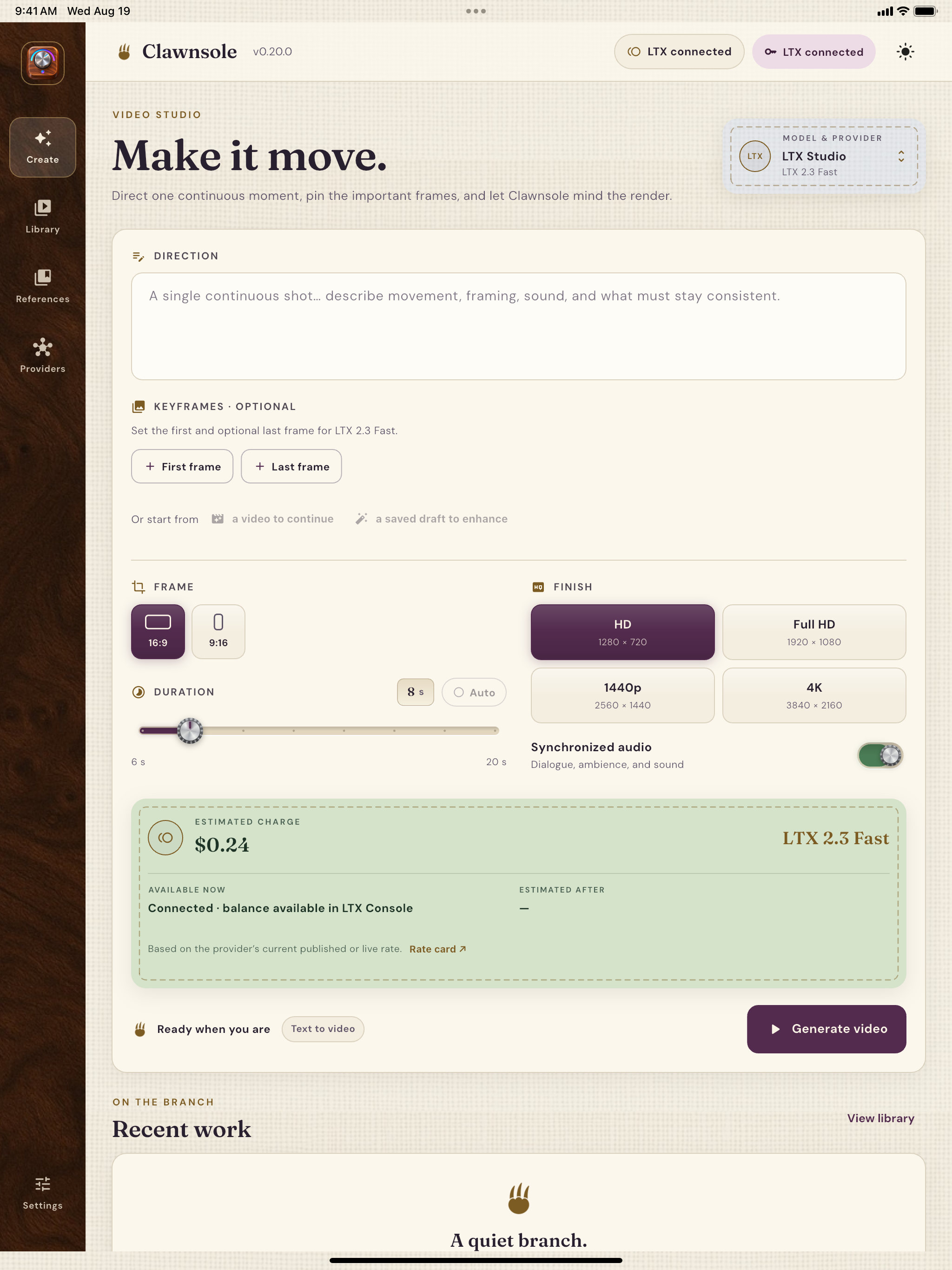
Your workflow is more than a prompt box. Write the scene, cast your characters, reuse your references, and keep every generation organized in the same workspace.
Move between supported providers with your own API keys. Generate from text, images, or existing clips, with controls that adapt to the model you choose.
Keep generations, prompts, settings, and references together. Organize work with project folders and tags, then add optional Google Drive sync to take your library across devices.
Shape your direction with scene headings, action, character cues, dialogue, and transitions. Built-in screenplay formatting keeps the script readable as you write on desktop or mobile.
Assign character names to saved images and clips, then reuse your cast across shots. On compatible models, matching screenplay characters can automatically attach their saved references.
Save still images, video, and audio, plus reusable aesthetic directions. Name, tag, and organize your references, then choose them in Create to carry the same look into your next scene.
Compare model pricing across providers and see an estimated charge for your settings before you generate. Choose the model that fits the shot and your budget.
Optional Google Drive connection
Start on one device and pick up your library on another. Connect Google Drive to sync saved generations, references, folders, and tags across macOS, Windows, iOS, and Android. Prefer to keep work local? The connection is entirely optional.
Clawnsole creates an app-owned Drive folder so you can reopen generations, references, folders, and tags on another device and continue the same project workflow.
The folder can contain prompts, generation settings and history, saved-reference metadata, retained inputs, generated media, project folders, tags, and non-secret preferences.
Clawnsole requests the narrow drive.file permission.
It can access files it creates or files you explicitly make
available to it, not the rest of your Google Drive.
Provider keys sync only inside a passphrase-encrypted vault. Google OAuth tokens are never stored in Drive. Drive content is sent to a generation provider only when you deliberately select that content as an input. You can disconnect Drive or delete Clawnsole's Drive data at any time.
Read how Clawnsole uses Drive dataYour keys, your choice
Clawnsole does not require a developer-operated account or cloud database. Native builds contain no analytics or ads. This splash page uses Google Analytics with region-aware consent controls, as explained in the privacy policy. Your provider keys, prompts, media, and project history are not sent to Google Analytics.
How privacy worksThe studio, everywhere
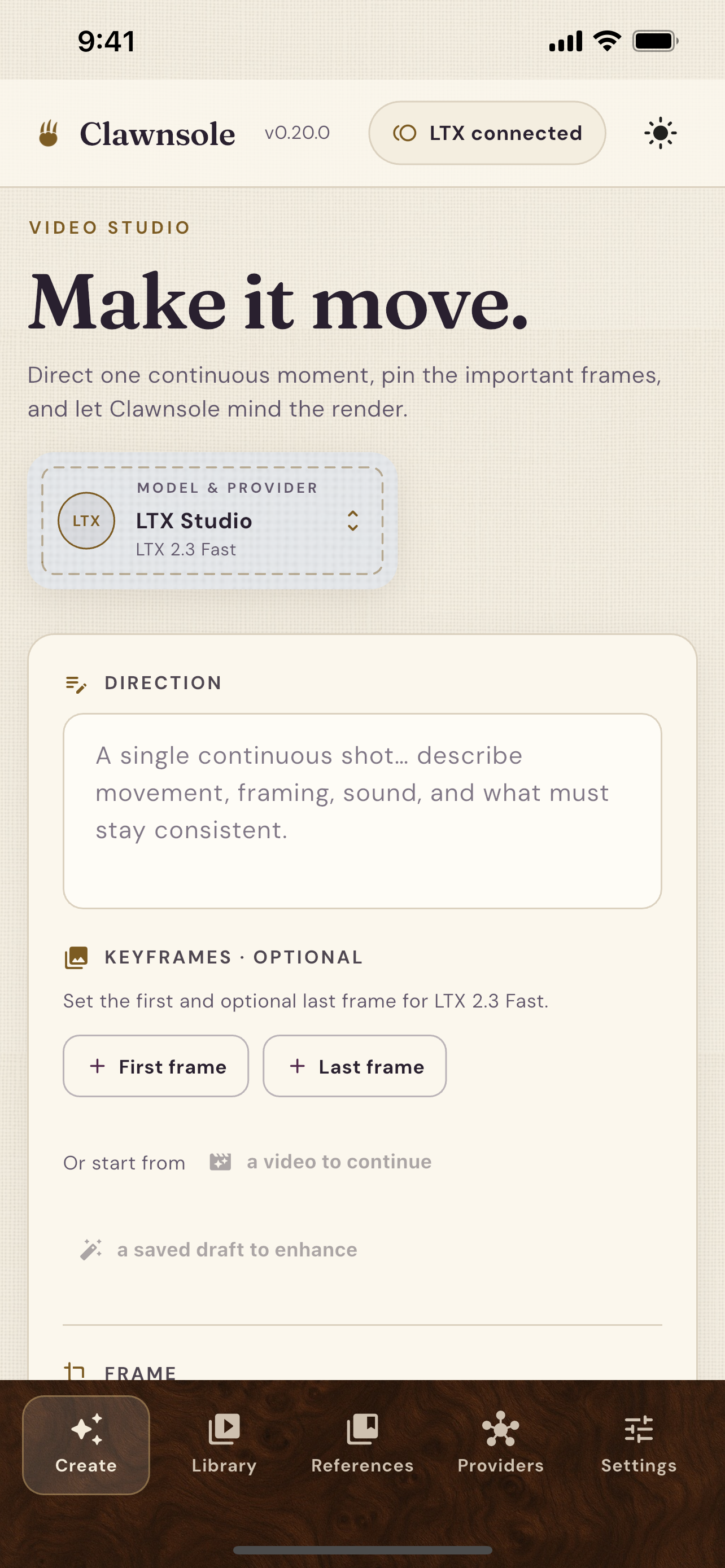
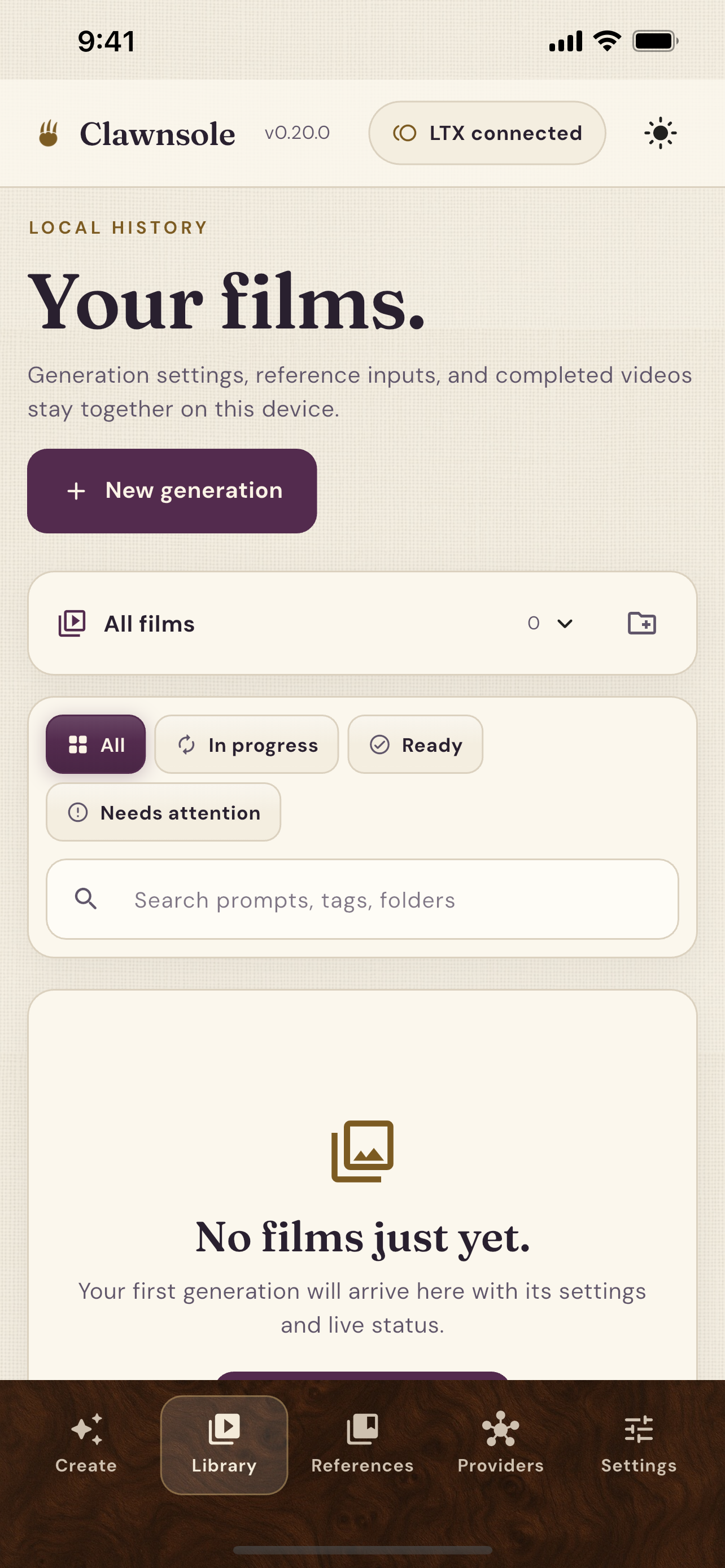
Write a scene on your phone or review generations at your desk. With Google Drive connected, your synced library of generations and references is ready on either screen.
Ready when the idea is
macOS requires Apple silicon. Windows requires x64 and is currently unsigned. Provider usage is billed by the service you connect.